Quick Start Guide
Run a segment challenge in minutes
This guide explains how to set up a community sports challenge, share your event page, and keep a clean segment leaderboard without organizer chaos.
Step-by-step setup
- 1. Create your party and define event timing.
- 2. Pick one segment or build a multi-stage event.
- 3. Share the public link or QR with participants.
- 4. Watch your challenge and moderate results when needed.
Example use-case
A local cycling club runs a Saturday segment challenge. The organizer publishes one public event page, riders sync their own attempts, and everyone checks the same live leaderboard after coffee.
The same flow works for running clubs and mixed multisport communities that want one simple event result page.
FAQ
Can I include more than one segment? Yes, use multi-stage mode and get stage + overall rankings.
What do participants need? A regular account and one sync action to submit their effort.
Can I share this with non-technical users? Yes, the public page and QR flow are intentionally simple.
What organizers and participants see
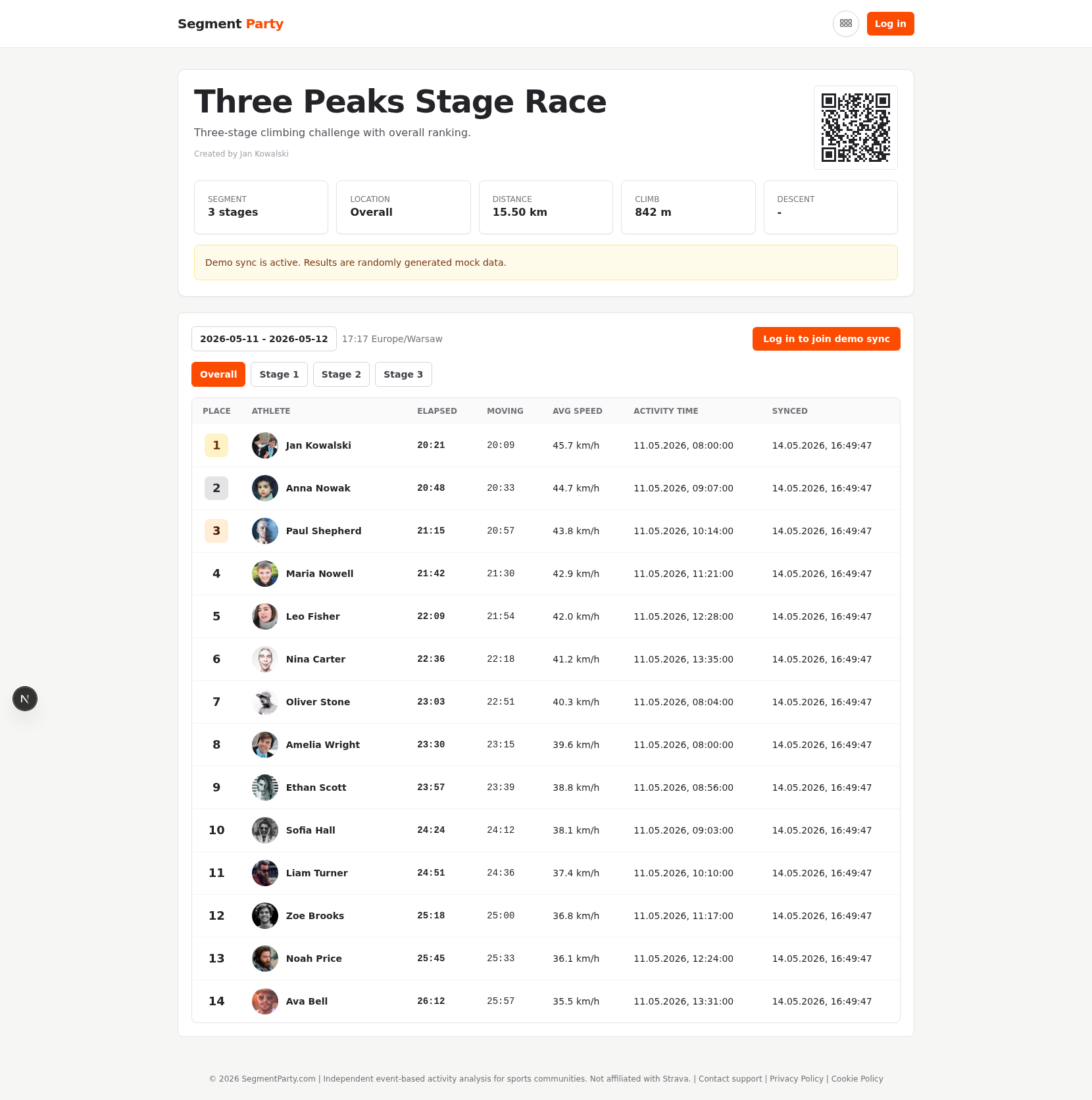
This event page is your live hub: people can check standings, and organizers can generate print-friendly outputs from the same workflow.
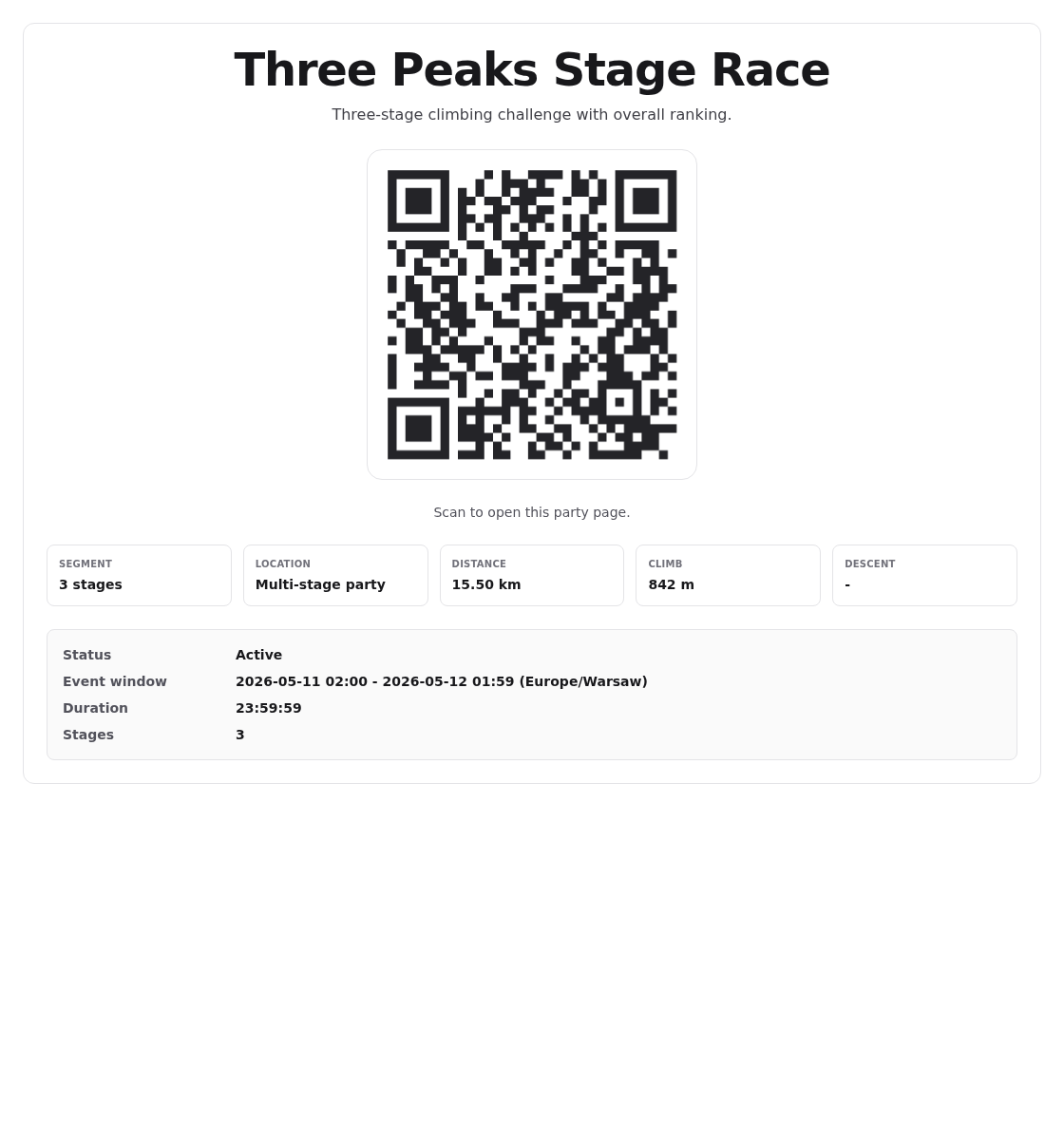
Print an A4 poster with QR for start areas, club walls, and race offices so anyone can open the event page instantly.